Adding/Updating your Payment Method (Credit Card)
How to Add/Update your payment details. 
To Add or Update you payment details with us you will need to have an admin login to your Black Pearl Mail account. If you do not have this, please contact [email protected]
After you have received your Admin Invitation to Black Pearl Mail, you can login using this link - https://admin.blackpearlmail.com/
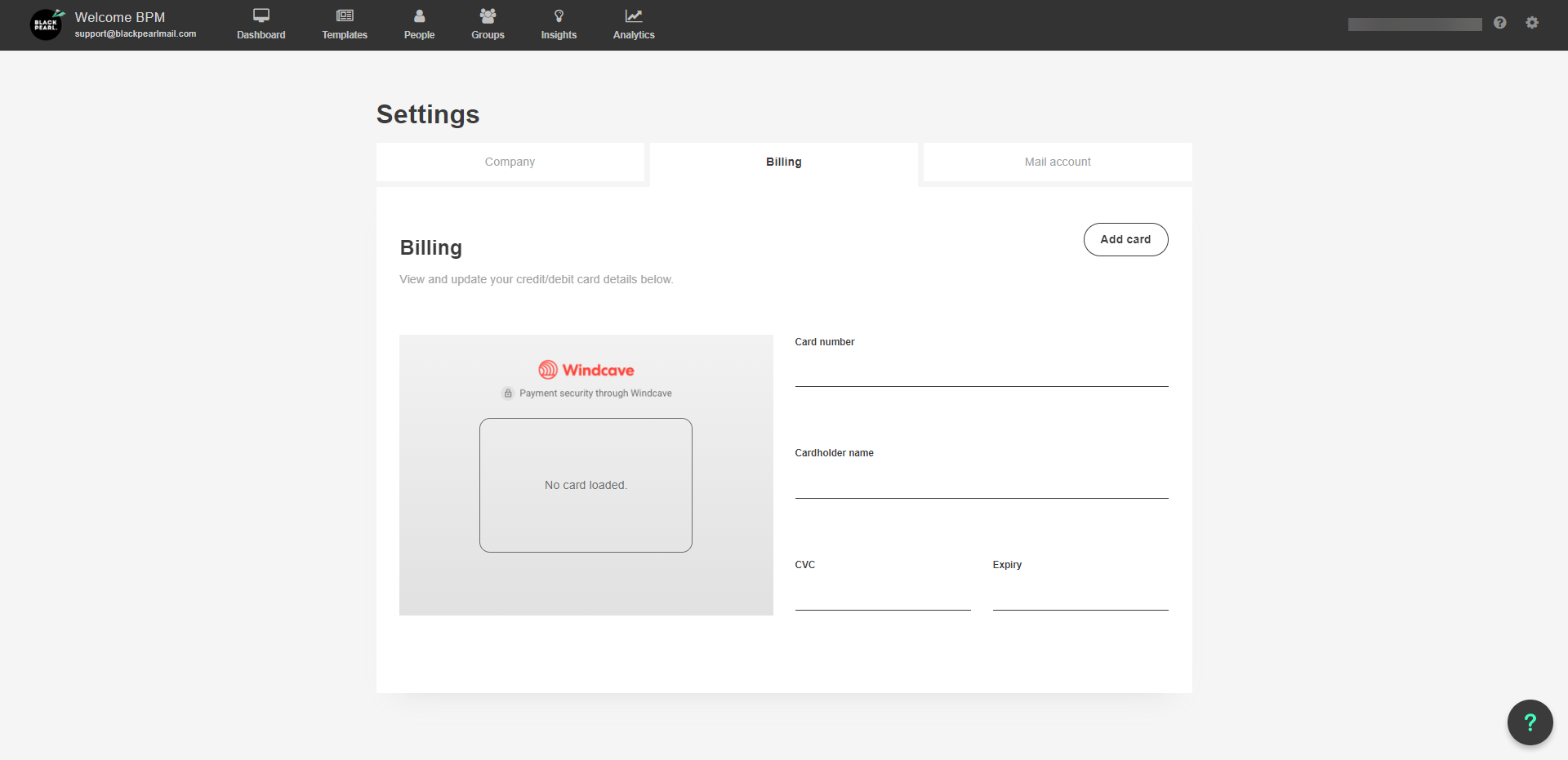
Next go to the Settings icon in the top right-hand corner -> Billing Settings. Here you can enter your card details.
Here you can enter your card details and click Save to update.