
Editing User Details

- First, log in to the Black Pearl Mail App: Logging in
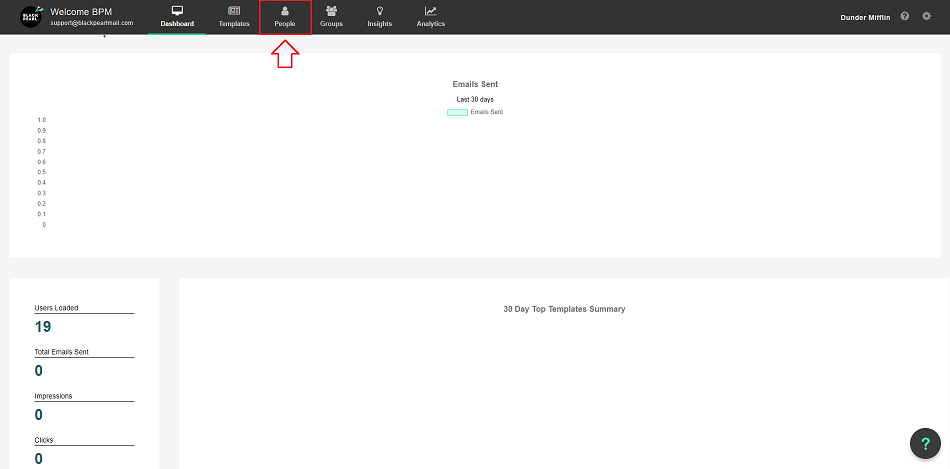
- Once logged in, navigate to the “People” icon in the top navigation bar
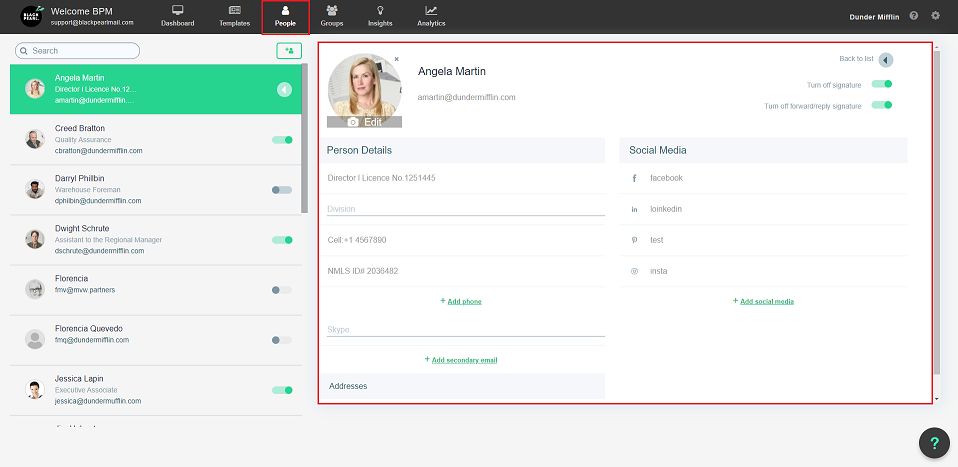
- You will now see a list of all your users, to edit one first click on the user you would like to edit
- The below screen will then be shown. From here you can edit any of the user's details.
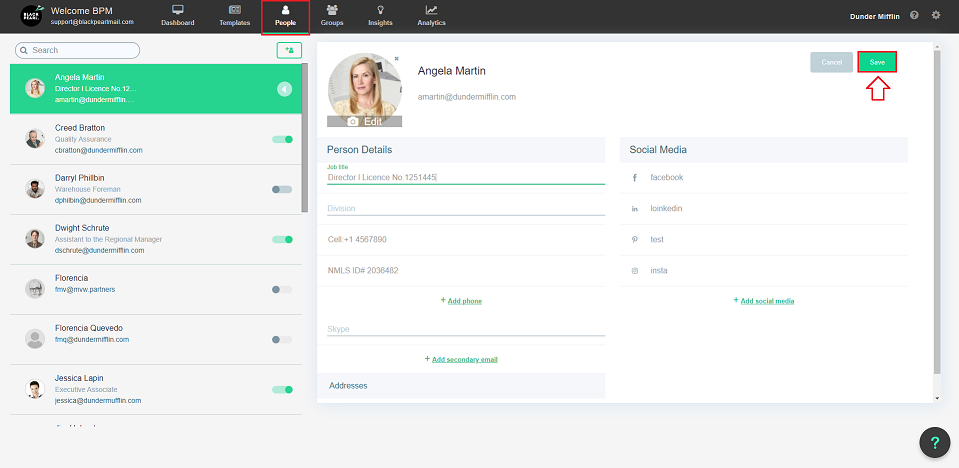
- Once you have finished just hit the save button in the top right-hand corner
Within 2 minutes the user's changes will have propagated to our mail transport agents.