Editing and Saving Images in Black Pearl Mail Templates
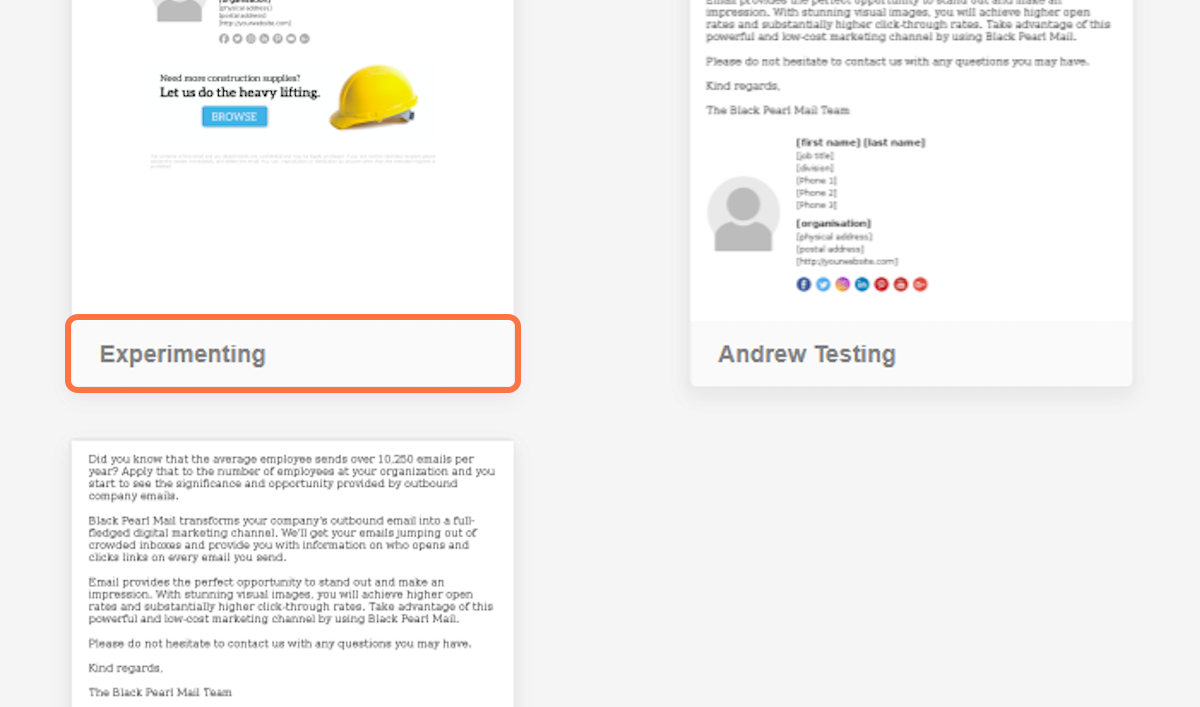
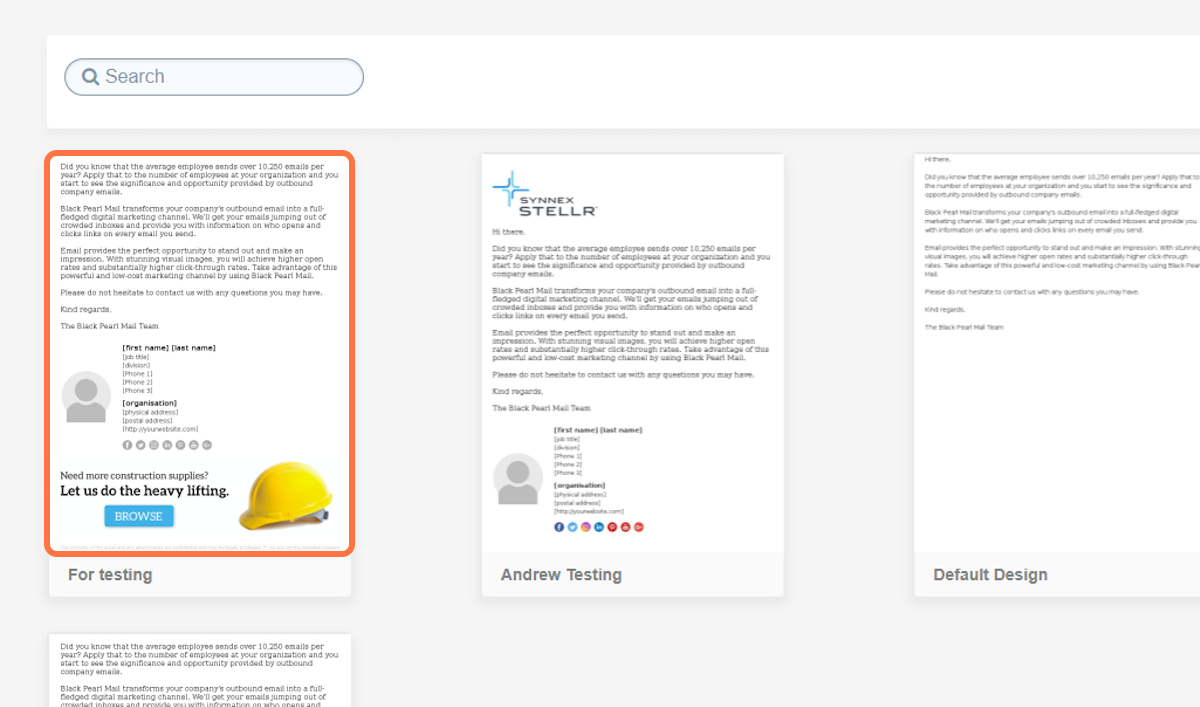
Navigate to the ‘Template’ section in your Black Pearl Mail account. Then choose the template you wish to rename.
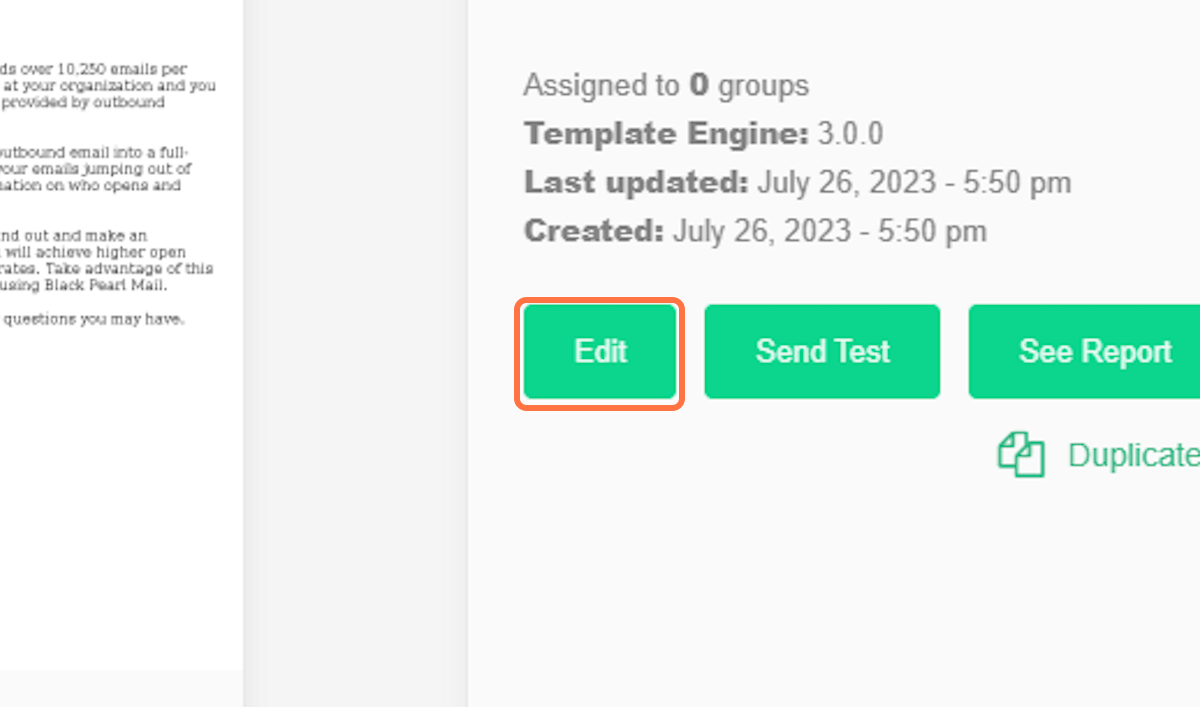
When you click on the chosen template, you will be presented with several options. Select "Edit" to access the template.
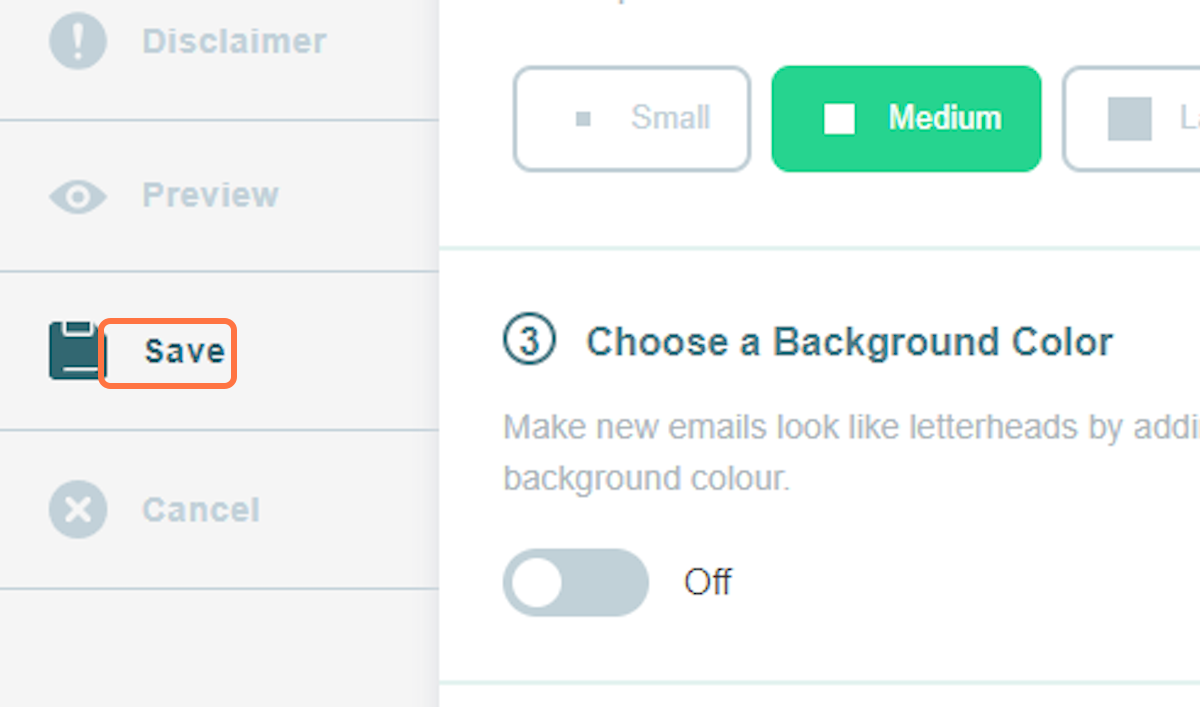
On the left-hand side, you'll find a range of options. Select the "Save" option.
Here, you will find the ‘Title and Description’ section where you can edit the template name. Input the new name you would like to use for this template here.

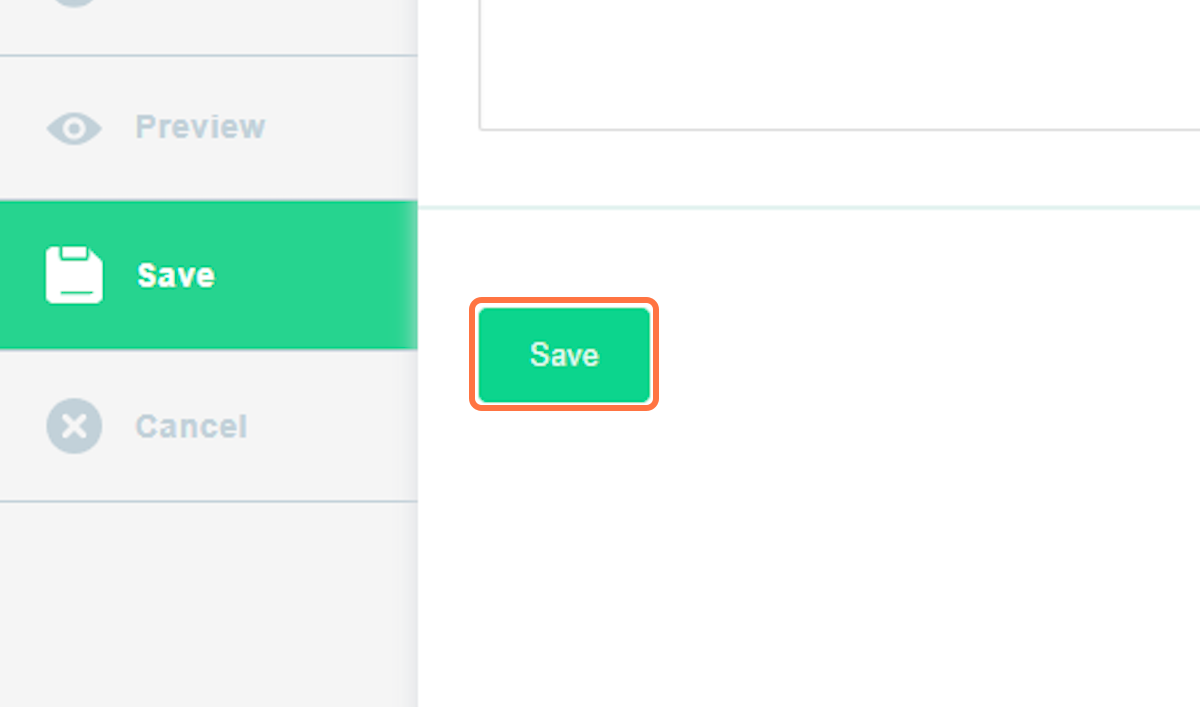
After completing the renaming process, click the "Save" button at the bottom to apply and publish the changes
The updated name of the template is now visible for you to review.