
People Tab Overview
The People Tab is where you can add, edit, manage, and delete users.
- Once signed into your account (https://admin.blackpearlmail.com/) navigate to the People section of your account.
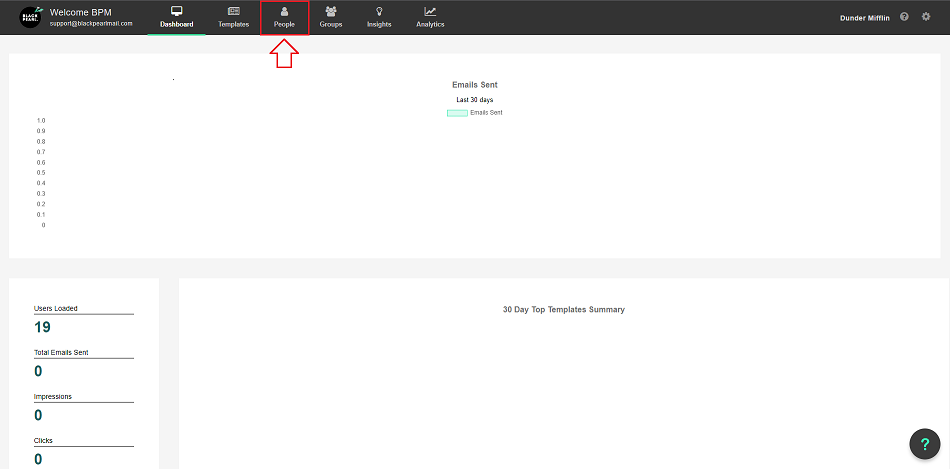
- Across the top of the page there are the following.
Search:
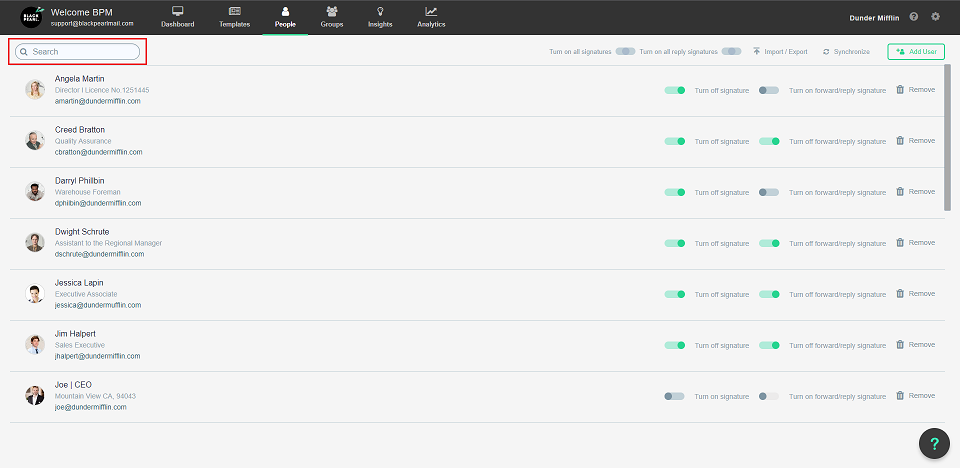
- Here you can easily search for a specific user.
- Just start typing the letters of the users first or last name
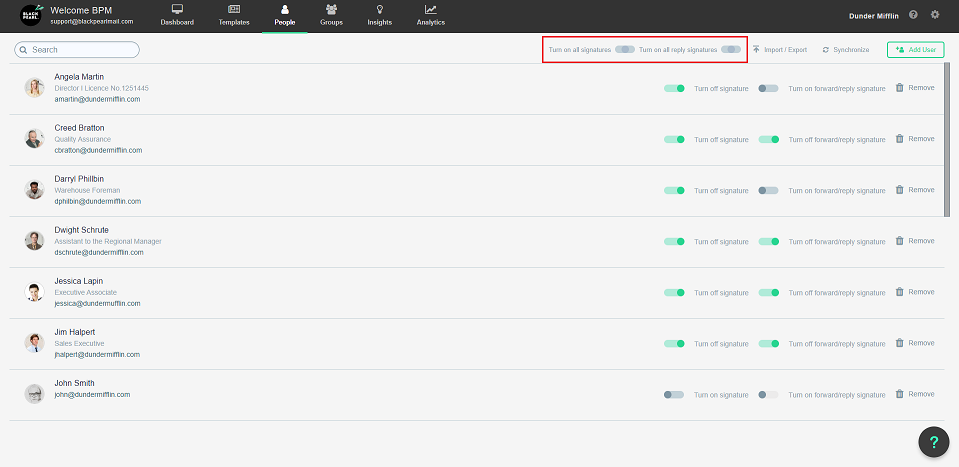
Turn on all signatures:
- If you press this slider, it will turn all the signatures ON for all the people listed below.
- If you press the slider again, it will turn all of the signatures OFF for the people listed below.
Turn on all reply signatures:
- If you press this slider, it will turn all the reply signatures ON for all the people listed below.
- If you press the slider again, it will turn all the reply signatures OFF for all the people listed below.
There are a few ways to add users:
For more information on manually adding users, please Click Here
For more information about Importing and Exporting users via CSV file, please Click Here