
Track and Trace: How to read the data
First login to the Black Pearl Mail App: Logging in
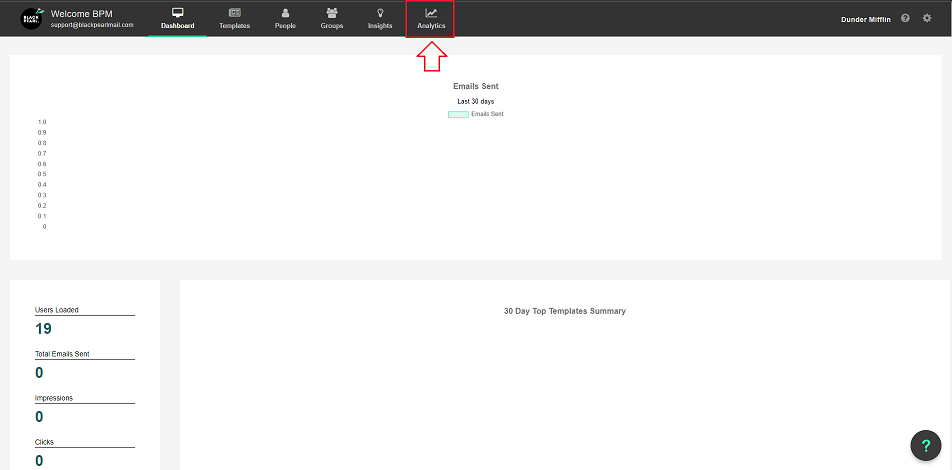
- Once logged in navigate to the “Analytics” icon in the top navigation bar
- You will now be presented with the below screen
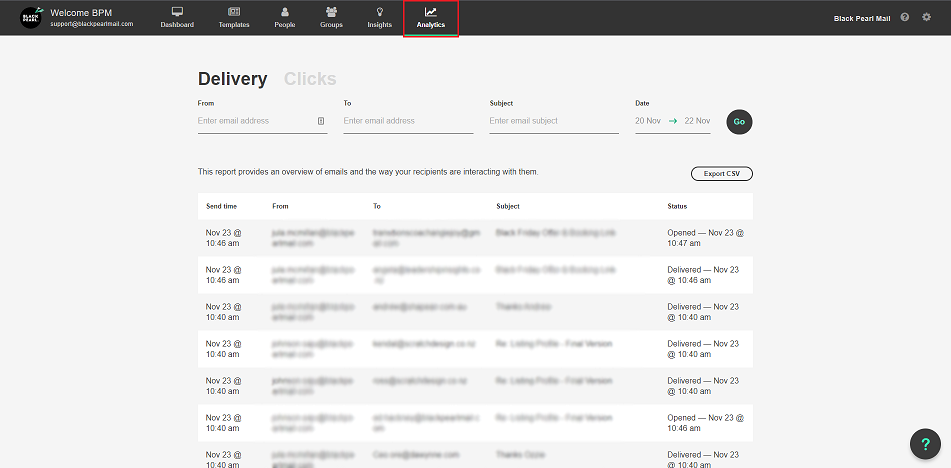
Below explains the columns and what they mean:
- Date - this is the date the email was sent
- From - this is the email address that sent the email
- To - this is the recipient of the email address
- Subject - this is the subject of the email
- Status - this field gives you an indication of whether the email was Delivered, Opened, or Failed.
For more information regarding how your email clicks are validated, please Click Here