Editing a Group: Modify Group Information
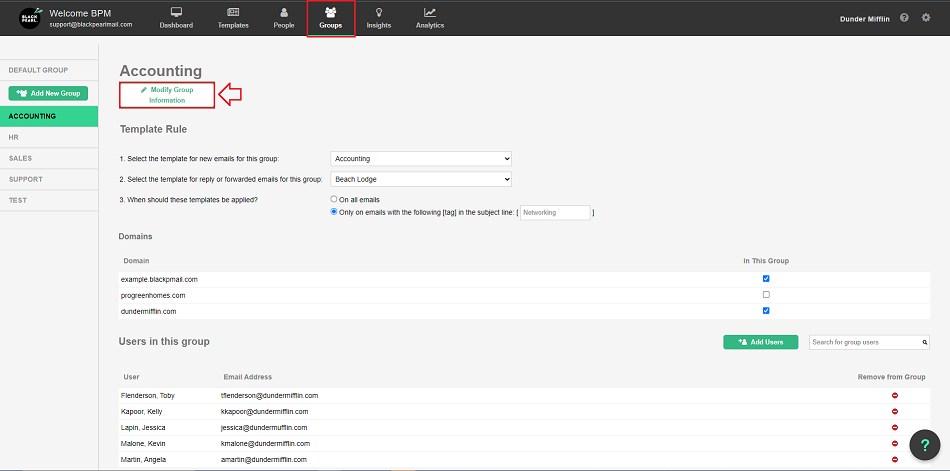
- On the group's page, there is a button called “Modify Group Information” just below the group name.
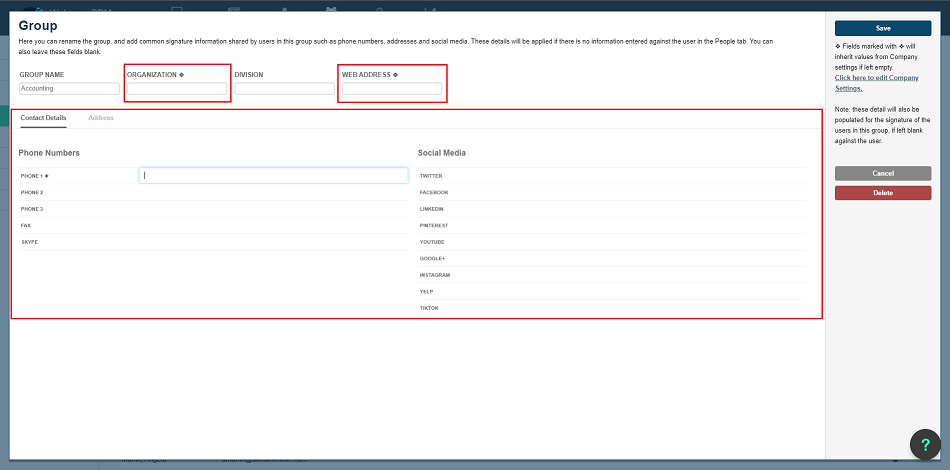
- From the "Modify Group Information" dashboard, you will be able to enter data-specific information for a user or group of users. You can replace the organization name, web address, and details such as contact information, social media, and physical address that populate within the signature block.
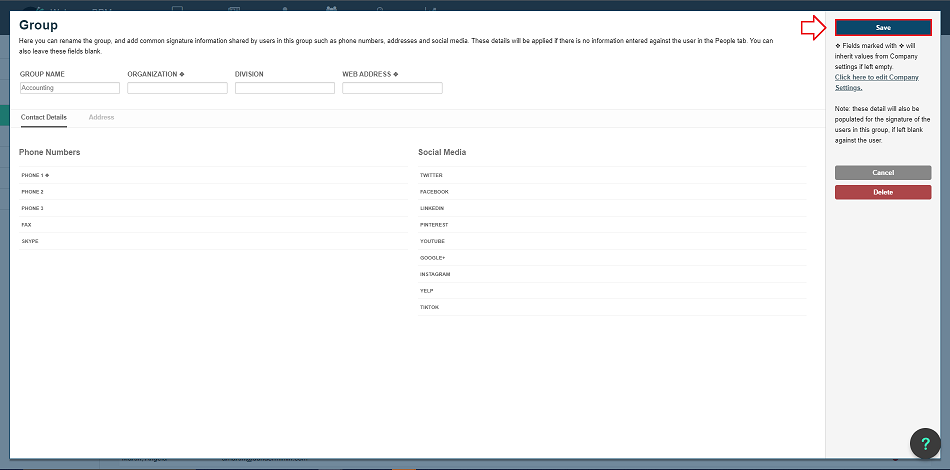
- Once you have finished adding the data, just hit the “Save” button on the top right.