
Black Pearl Mail - Admin Dashboard
Dashboard
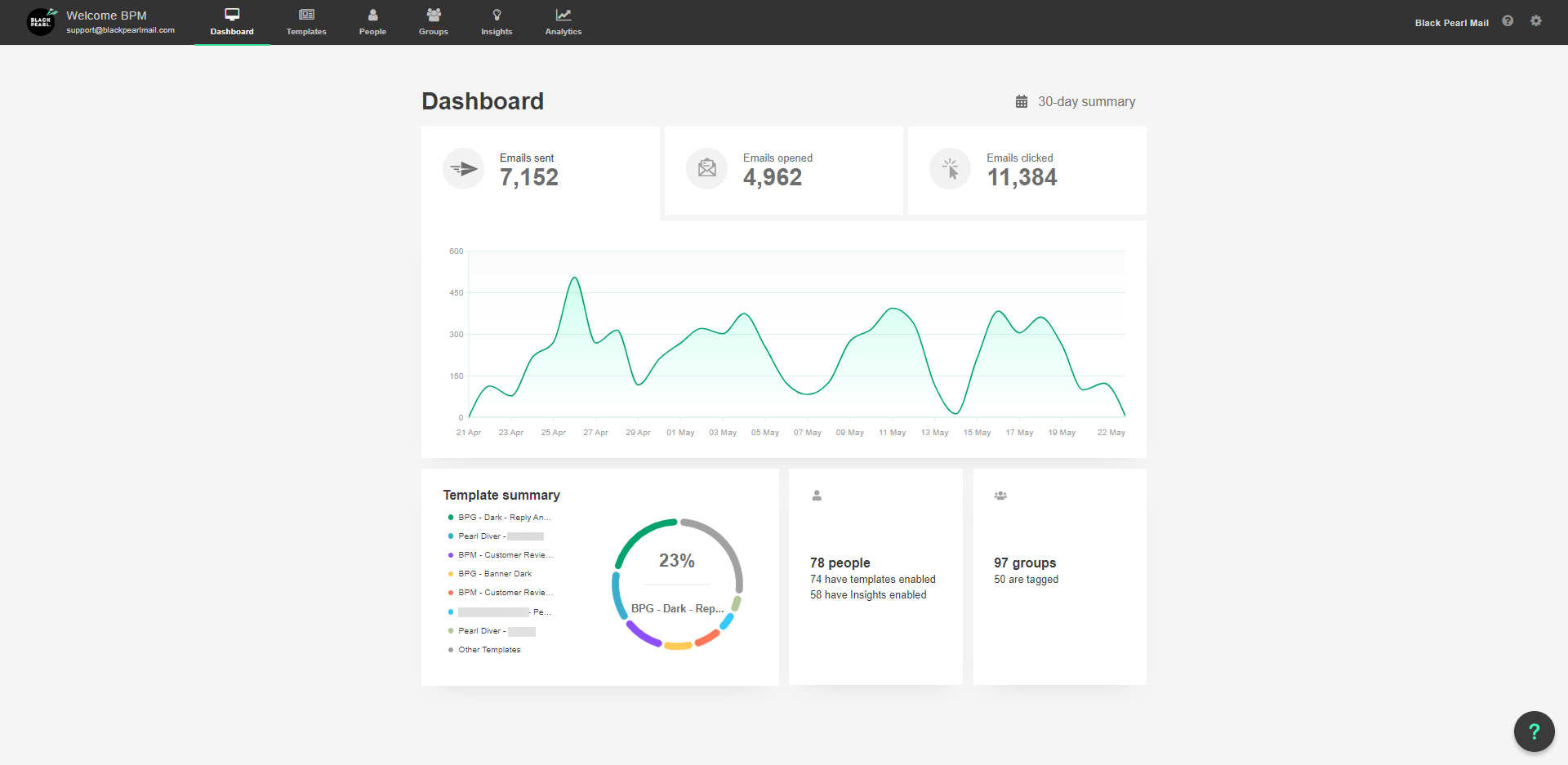
- The Dashboard Tab is where you can see a 30-day snapshot of activity in your account. This includes the analytics of emails sent over the last 30-day period.
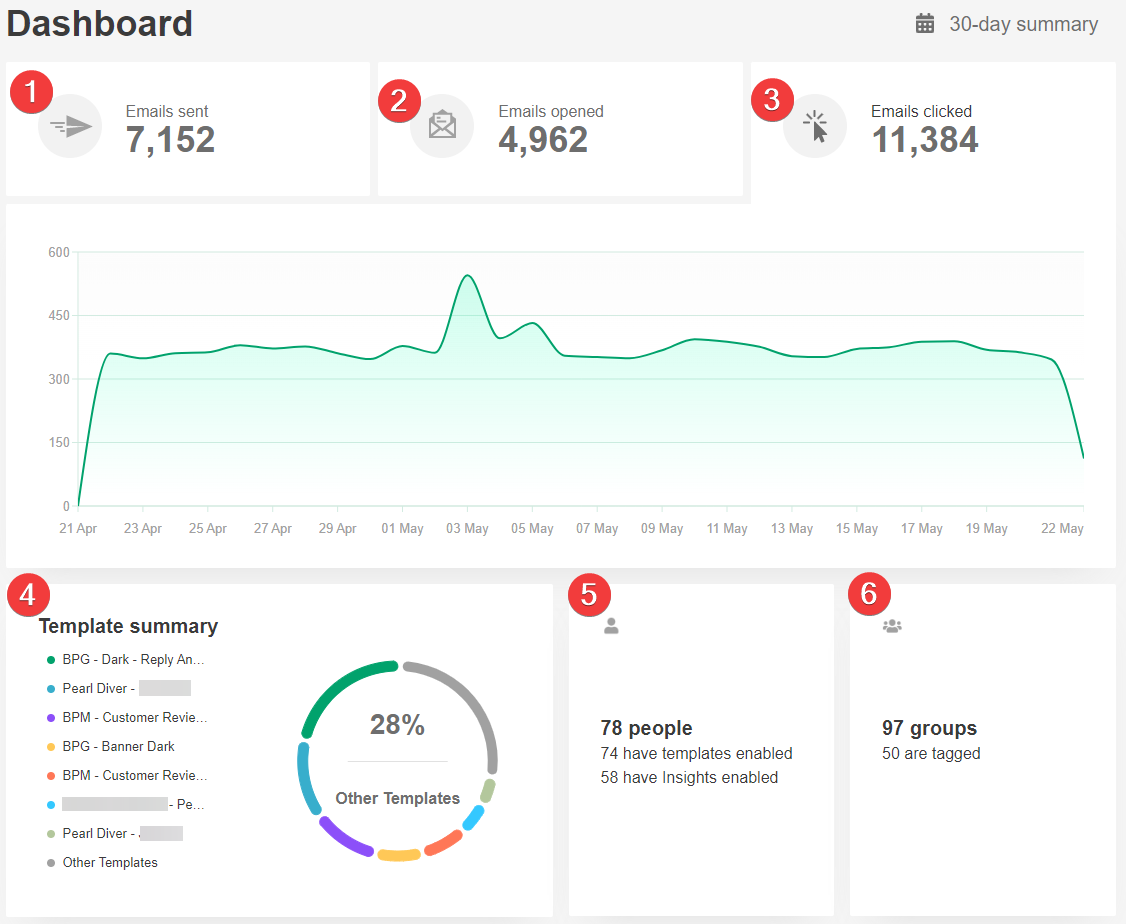
- This selects the chart section to display information on the number of emails sent per day over the last 30 day period.
- This selects the chart section to display information on the number of emails opened per day over the last 30 day period.
- This selects the chart section to display information on the number of emails clicked per day over the last 30 day period.
- This displays a breakdown of your most used Signature Templates.
- This displays a summary of how many active users you have and how many users have their Personal Insights dashboard enabled.
Login to your Black Pearl Mail Email Insights
 Login to your own insights (once you have accepted your invite initially) via https://insights.blackpearlmail.com/login
- This displays a summary of how many Groups you have and how many utilize [Tags].
For more information about getting started with Black Pearl, please Click Here