Find the insights and best practices about our product.
How to delete and re-add the user to the BPM admin account

Black Pearl Mail

1. Click on the cog wheel on top right side of the page.
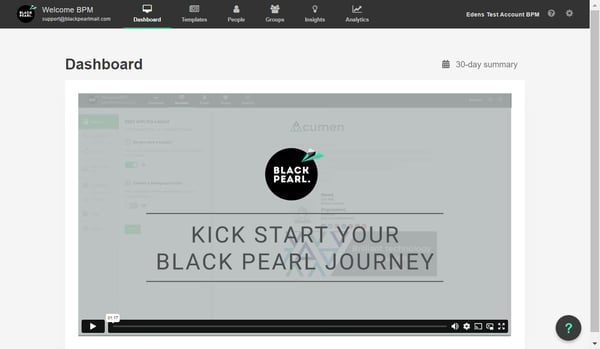
Click on the cog wheel on top right side of the page.

2. Click on Invite Admins
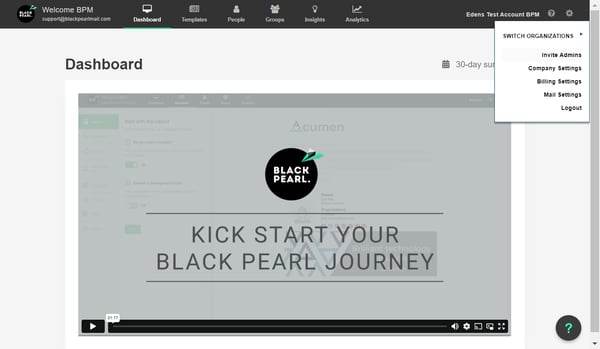
Click on Invite Admins

3. Click on Edit User
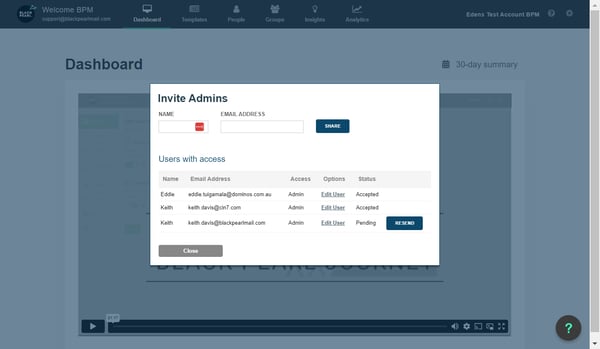
Click on Edit User

4. Delete the selected user.
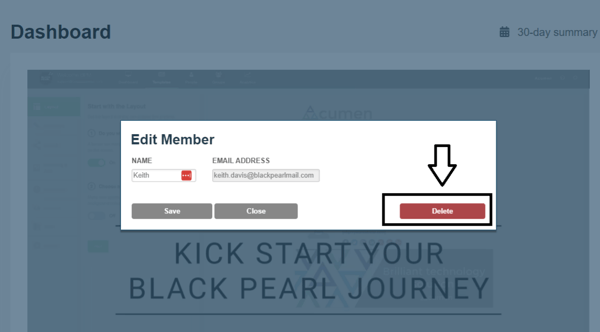
Delete the selected user.

5. Click on Close
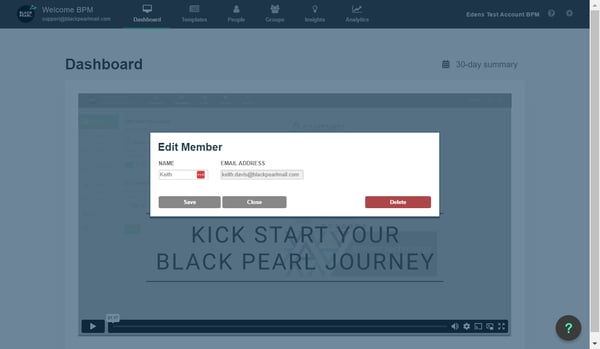
Click on Close

6. Now you can re-invite the user by adding his 'Name and Email address' and hit the Share button.
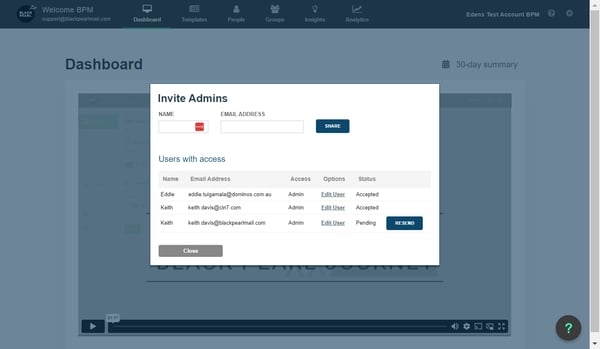
Now you can re-invite the user by adding his 'Name and Email address' and hit the Share button.

Created with Tango.us
Ask AI
Responses are generated using AI and may contain mistakes.
How can I help you?
Ask me anything about our product. I can help you find answers across the knowledge base.
Ask a question...Ctrl+I